Bernard Engine · Production engine · Animation and VFX · Since 2015
The whole production, live.Bernard keeps the books. You make the pictures.
Here, nobody ticks a “ready to start” box. Each task's state is computed from the workflow: when the previous step is finished, the next one opens, the scripts run and the right people are told.
● Open source soon · all the code

Bernard Engine is going open source. All the code.
The code will be published: you will be able to install Bernard on your own servers, read it, change it, adapt it to your studio. Or let us host it, back it up and update it, and think about nothing but production.
- At your placeInstalled on your servers, free of charge. Your data never leaves the studio.
- At oursOne environment per studio, backed up and updated by AArts Lab. One price per studio, not per head.
- With youPlugins, scripts and the Python API already work today; with the code open, the community builds what comes next with us.
MoniqueGérard, Bernard's code is going to be published.
GérardAll the code, Monique?
MoniqueAll the code.
GérardEven the moustache?
MoniqueEven the moustache, Gérard.
Who is Bernard?
“The key is located in the graph workflow structure, not in the states multiplicity.”
— Bernard, brainstorming session, 21 March 2015
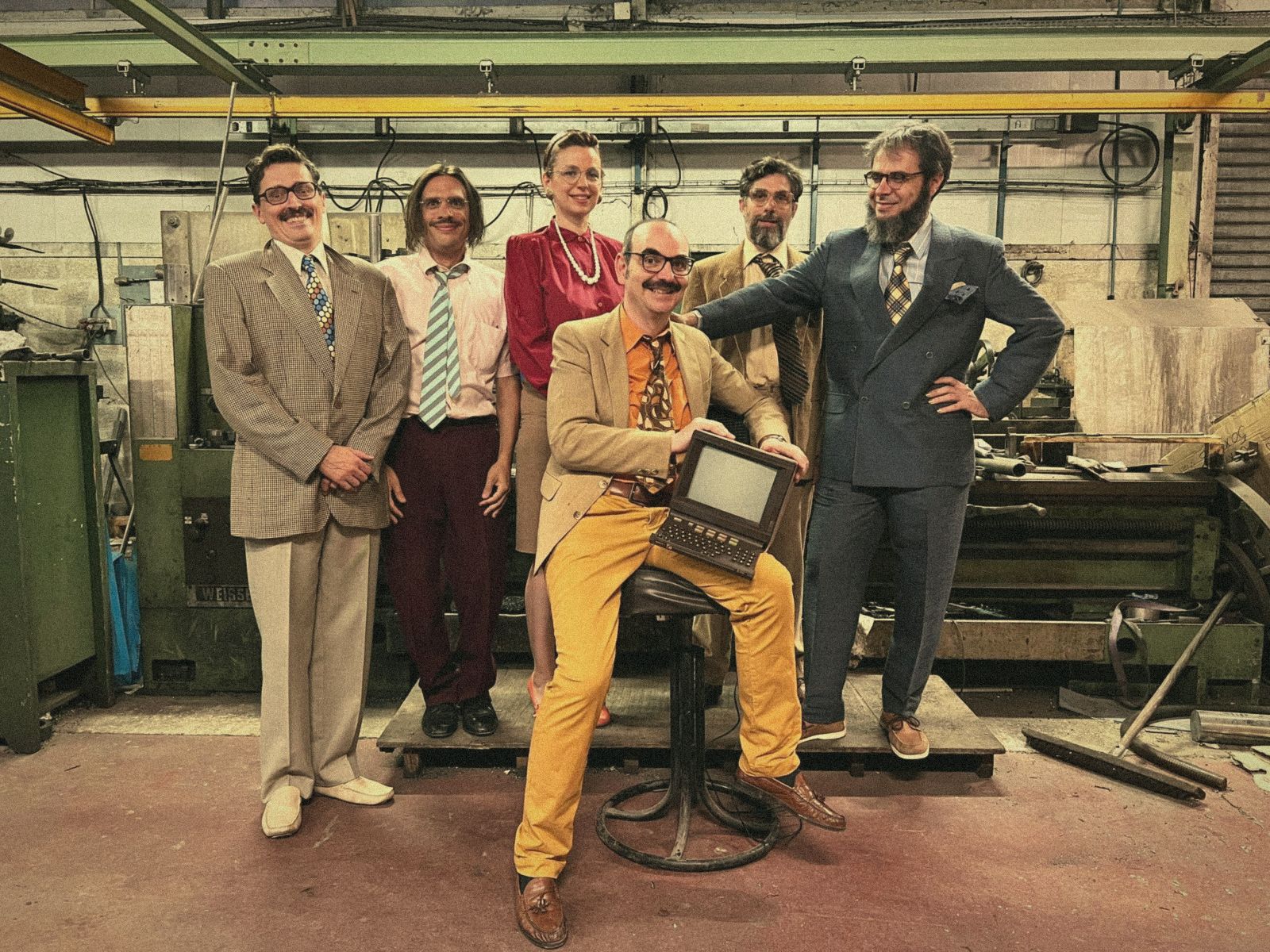
Bernard wears glasses and a moustache, and knows every shot in the studio by name. He is not yet another tracking board: he is an engine, centred on the studio rather than on a single project. He files the whole studio in one tree (projects, teams, workstations, templates), moves tasks forward, runs scripts, copies files and tells the right people.
BernardGood morning. I am Bernard. I am a production engine.
Jean-PierreAnd what does one feed a production engine, Bernard?
BernardShots, Jean-Pierre. A great many shots.
Jean-Pierre looks at the camera. He does not know what to do with this information.
01 · The workflow
The graph decides. Not the labels.
Every shot has its workflow: a graph of linked tasks, grouped into steps (the compounds). Bernard has only seven states. The artist decides to start, to pause, to finish; everything else (who can start, who must wait, what goes back) is deduced from the graph, computed by the server for everyone at the same time.
Usually
A task's state is a label that someone remembers to change. The list of statuses grows with every production, and the board says whatever it was told.
 With Bernard
The state is computed: a task can only start once what comes before it is finished. The board says where production really stands, and no workstation can force a state the graph refuses.

Rule 1
“Ready” is not ticked: it is computed.
A task turns Ready on its own when everything before it is Done. Here, Blocking opened by itself as soon as Layout and the casting update were finished. The animator has been notified.
Rule 2
The retake topples the dominoes.
A Not Approved verdict in review reopens the finished task, and everything after it goes back to Waiting, even what was finished. Approved moves things forward one step, never more.
Rule 3
A script is a task like any other.
A Script task (a scene check, a casting update, an ingest) runs by itself when it turns Ready, on the designated workstation. Exit code 0: Done, and the next steps follow. Otherwise: Failed, with its log.
Rule 4
Change the template, not 800 shots.
Add a step to the template's workflow: it reaches all its shots, with pause and resume. Where the later work has already started, it is born Aborted: no finished shot goes backwards.
MoniqueGérard, I have rejected the polish on shot 30.
GérardVery good, Monique. The lead's validation has already gone back to waiting.
MoniqueAlready?
GérardIt's the graph, Monique. The graph.
Gérard nods with confidence. Gérard does not know what a graph is.
And also: Triggers (“when the state changes to Done, run this action”), scheduled Events (once, every hour, day or week), and the Python API for everything else.
02 · Who it's for
One Bernard, four trades.
Production
Know where things stand
Spreadsheet Multi, Gantt and Workload, actual time spent against budget (Time Delta), time export. The project team is assigned automatically, by department and by role.
Leads and supervisors
Approve, send back
Validation tasks, instructions to tick before Done, notes and retakes straight from review: the graph follows your verdicts.
Artists
Open, work, publish
Their tasks, their instructions, the right file opened in their software, Save & Increment in the plugins, and time that counts itself.
Pipeline TDs
Automate everything
Script tasks, Triggers, Events, actions, path expressions and the Python API: the pipeline plugs into the graph. Templates, workflows and tasks can also be created with Python commands, ready to be driven by an AI.
03 · Track
The whole studio in one tree. And everyone finds their own view.
Projects, sequences, shots, assets, tasks: every object carries its properties, and every profile has the view it needs. Screen presets can be enforced by role.
Spreadsheet
The spreadsheet that keeps up
Sorting, per-column filters (and inverted filters), server-side filtering for large projects, thumbnails, bulk editing, copy to Excel.
Spreadsheet Multi
One row per shot
One group of columns per step or per department, with the current task of each.
Properties
Everything about an object
Notes, files, history, assignments, instructions, actions: in tabs, all in one place.
Nodal View
The workflow before your eyes
Each shot's graph, its steps and the state of every task, live.
Notifications
The right people, informed
In Bernard or as an e-mail digest, as each person chooses, type by type.
Roles
Fine-grained permissions
Creation, states, workflows, time, files, settings: each role sees and does what it should.
Planning View
Gantt and workload
The Gantt at the top, everyone's load (Workload) at the bottom, on the same timescale; several schedules side by side.
Activity
Who did what
Over the chosen period, every action by every user: creation, modification, deletion, restoration, with the new value.
Path Edit
Paths, for IT
The path of every file, computed by expression, per system and per site; interpretation errors flagged before anything is written.
04 · Files and sites
The right files, in the right place. On every site.
Paths are computed from your naming rules, with a variation per system and per site. Bernard copies and moves files between disks, shares and SFTP servers, and keeps a record of every operation.
- Path Edit and expressions: syntax highlighting, autocompletion and name checking.
D:\Prod\<Name>
<Parent.Files [0]>\Shots\<Name>
<item.Files [0]>\<self.department.Name>\<item.Name>_<Name>
→ D:\Prod\Demo\Shots\SEQ01\SH020\Animation\SH020_Animation… - Versions: add, increment, files attached to each object.
- Copies between sites via rclone, with capped network bandwidth and an operations log.
- Ingest of deliveries, import from folders or spreadsheets.
- Presence on disk monitored live.
05 · Review Included · free
Bernard Review is included. And it costs nothing.
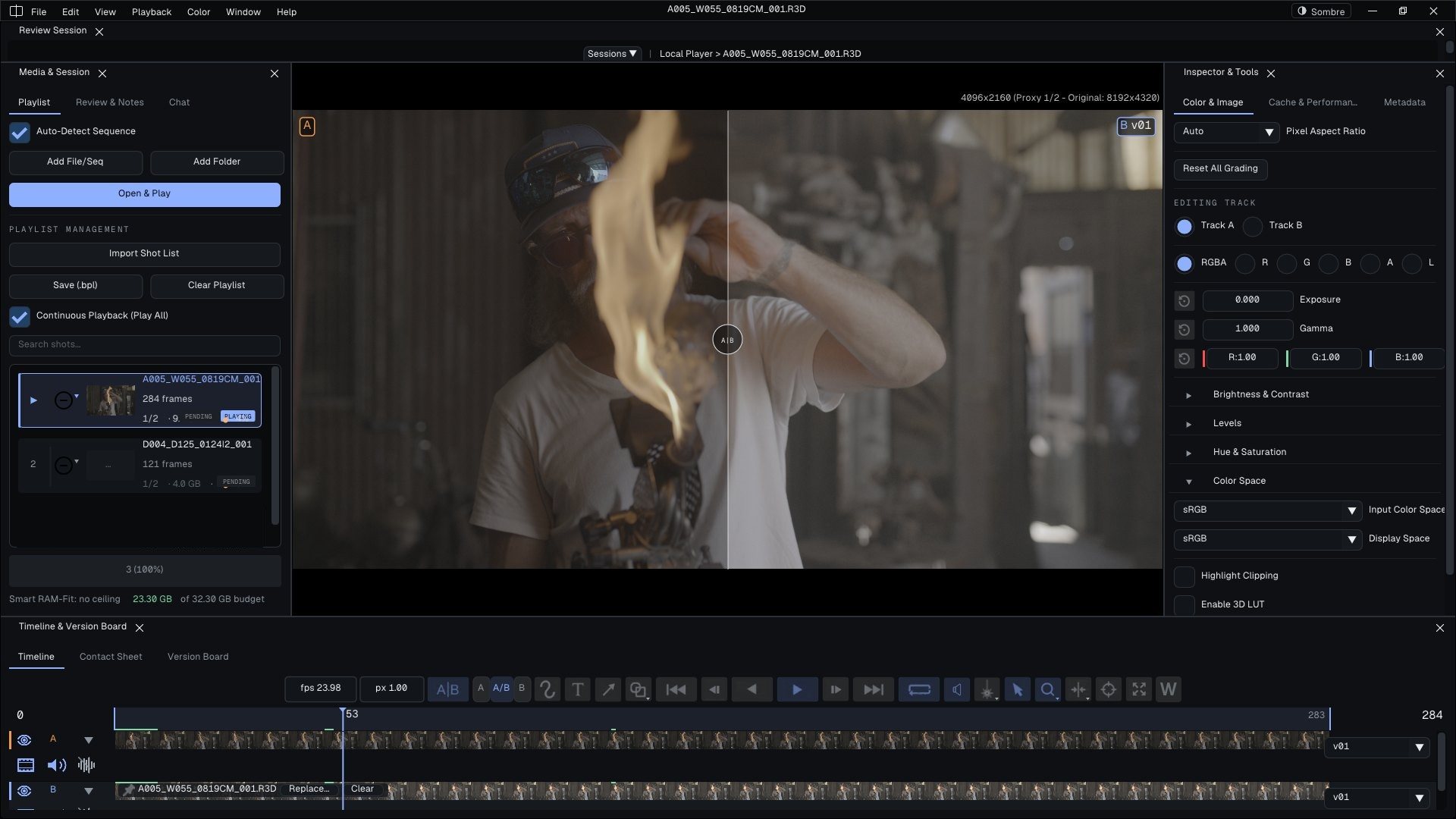
The Bernard Review player installs with Bernard, free of charge, and it is open source too. Multilayer EXR, camera RAW, A/B, annotations: you review, you take notes, and the review moves the graph forward. With Bernard (and only Bernard: not with other trackers), the summary shows, before publishing, the state each task will take: approved, it moves on; rejected, it goes back to the artist and the dominoes follow.
- Notes and corrections attached to a file and a version.
- Instructions to tick, importable from an Excel spreadsheet.
- Playlists in the tree, or temporary on the workstation.
- Remote review with guests in the browser: optional, on bernardreview.com.

06 · Time and planning
Time spent counts itself. Timesheets belong to another era.
A task in WIP counts its assignees' time; one task in progress per person, the previous one pauses. Inactivity, closing, disconnection: the task goes to Pause and the counter stops at the real time.
Planning
Gantt and workload
Several schedules side by side, everyone's workload (Workload), then “Validate your plan”.
Working Time
Attendance and absences
Day types, working hours, absences: the studio calendar.
Budget
The gap, at a glance
Time Delta in the spreadsheet, time export for payroll or accounting.
SylvieRoger, how much time did you spend on shot 12?
RogerI have no idea, Sylvie.
SylvieI do: seven and a half hours.
RogerHow do you know?
SylvieI don't know, Roger. Bernard knows.
In production since 2015
Ten years of production. And even a bank.
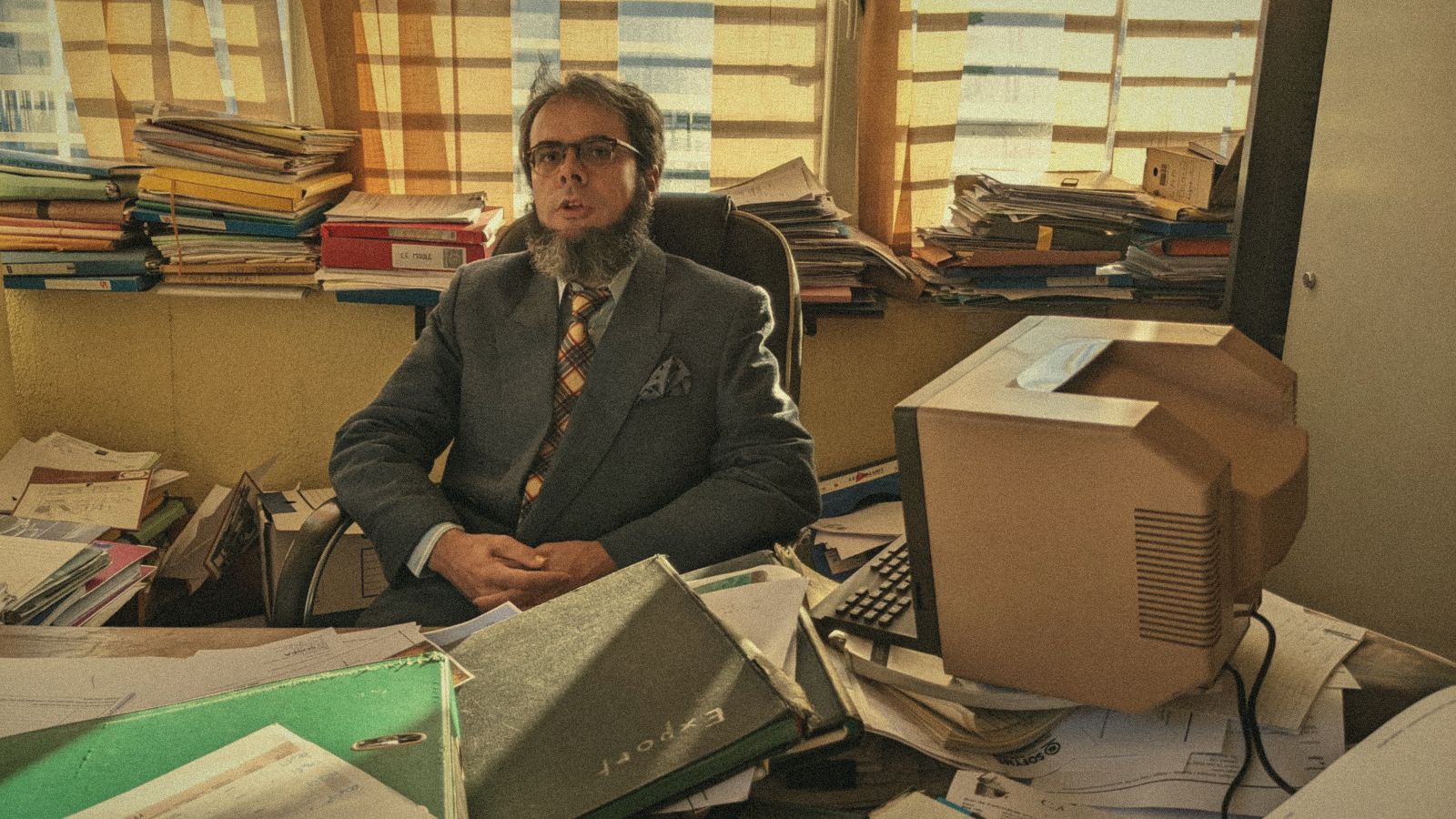
Bernard has been running for ten years in animation studios, visual effects studios… and in a bank. Nobody is quite sure what he does there. But the tasks move forward.
Where you may run into Bernard
10 years
- animation studios
- visual effects studios
- a bank (Bernard asked no questions)
Thomas Lhomme · CG Supervisor, Milk VFX
“Bernard engine empowers me to create very complex workflows in very few clicks, allowing for powerful automations that should have required a large dev team with other production tracking systems.”
Soal Givord · Head of Pipeline, In The Box
“We use Bernard for several months now and we found it to be a robust and structurizing solution for studio management and project tracking. Can’t wait to see all the new features to come!”
07 · Integrations
Bernard talks to your software. And to your scripts.
Plugins install from Settings › Plugins Manager. The artist opens the right file from their task, Bernard offers to set it to WIP; they publish their version, and the graph follows.
API reference: bernardengineapi.readthedocs.io
08 · Deployment and security
On our servers, or soon on yours. Your files stay put.
- Service hosted by AArts Lab, one environment per studio.
- Encrypted communications between workstations and the service.
- Workstations authorised by an administrator, with the list of their MAC addresses and IP addresses.
- Sessions: unlocking, closing by an administrator with the reason displayed.
- Citrix and remote desktop: read-only shares, throttled transfers.
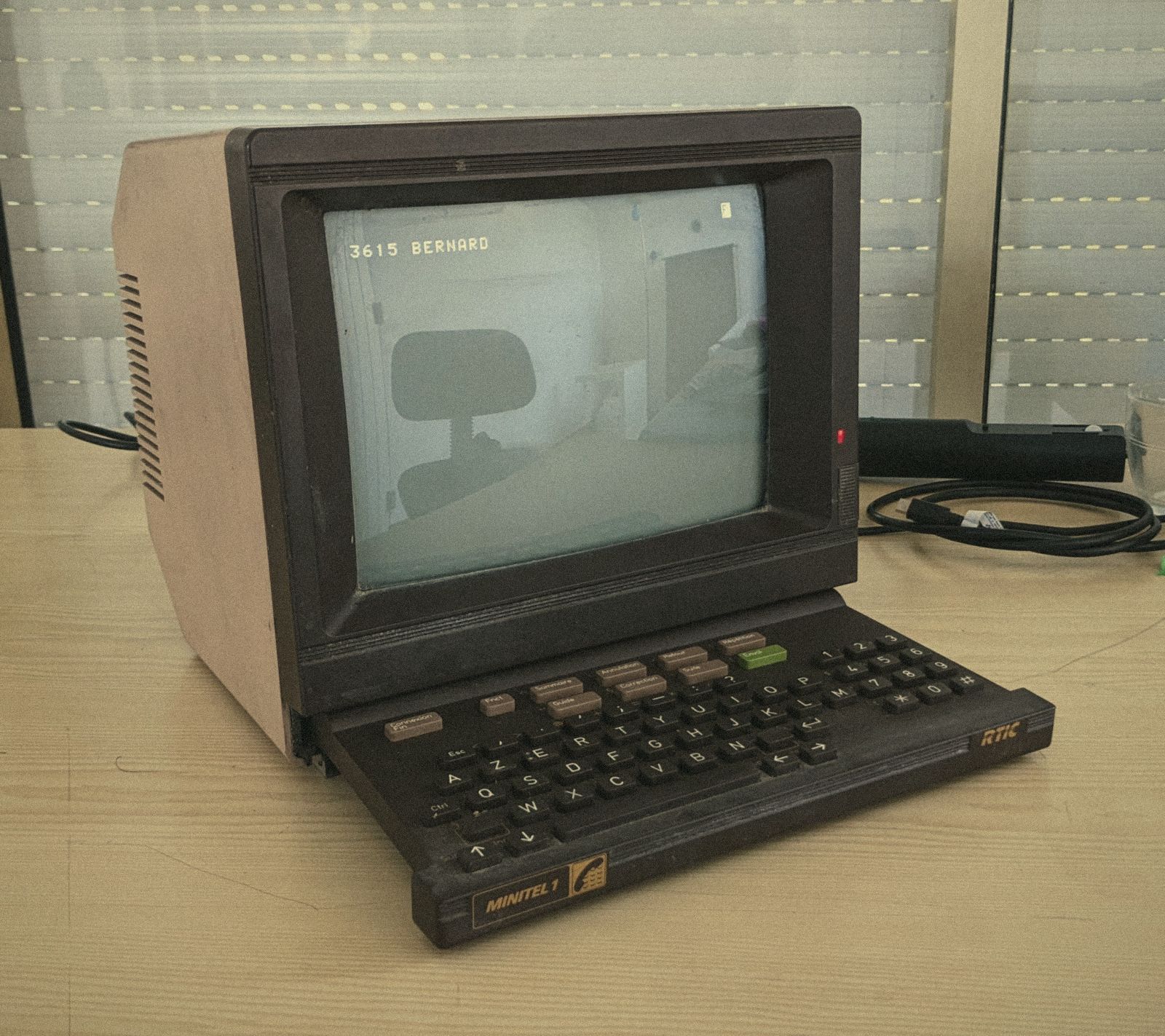 Play the game“Bernard Saves the Prod”The Bernard Engine game · free, in your browser
Bernard thanks you for your attention.
He goes back to his shots.